 MoodWell Nutrition
Make food tracking fit your day.
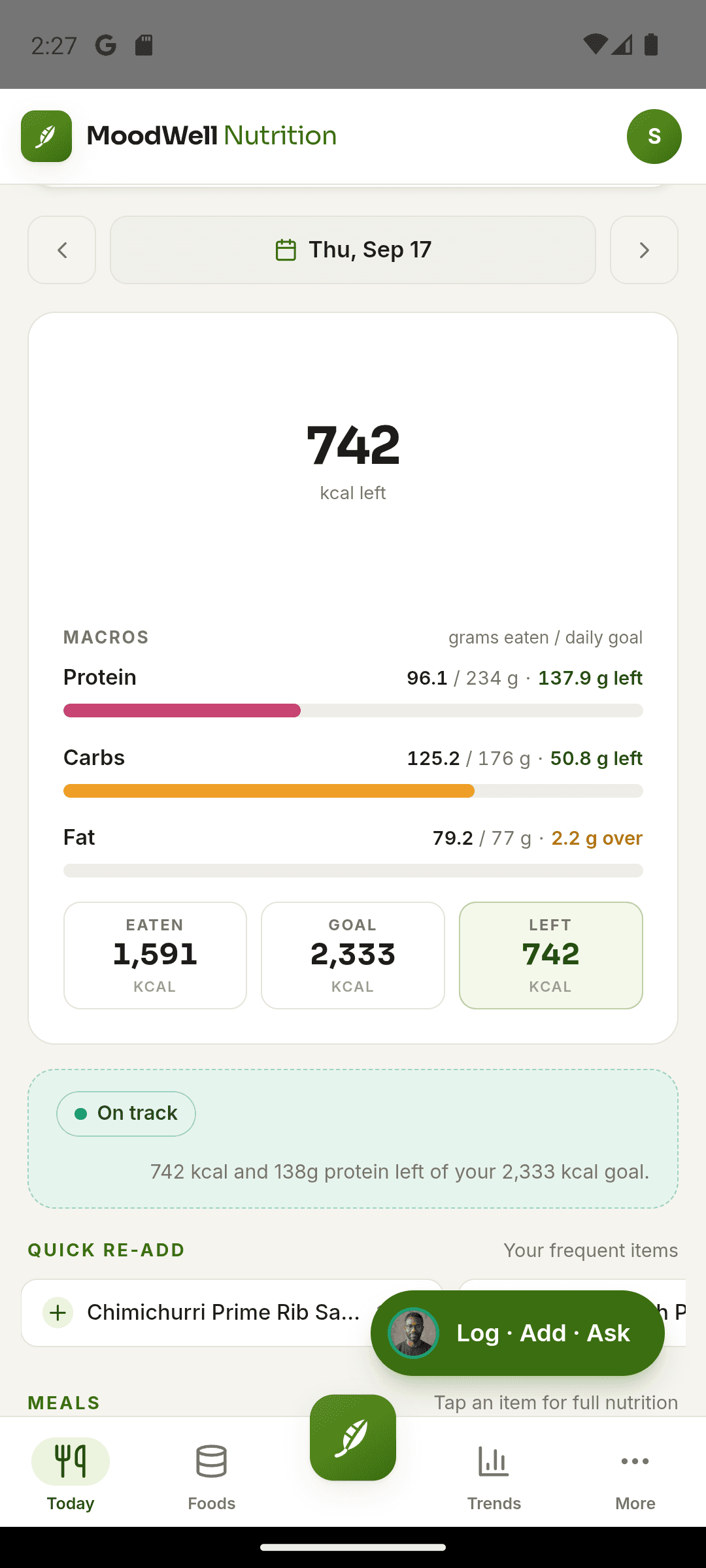
Track food, calories, macros and water in Moodwell. Log meals by search, barcode, photo, voice or description, then save recipes and plan meals alongside the rest of your week.
Why Moodwell Nutrition
What can you do with Moodwell Nutrition?
Capture food your way
Search a food, scan a product or try a photo, voice or description before checking the result.
See how the day adds up
Keep calories, macros, hydration and meals readable.
Reuse the work
Save favorites, recent foods, recipes and meals.
Flexible food capture
Choose a logging method for the meal in front of you. Review the food match, adjust its portion and save it to your daily diary.
Explore flexible food capture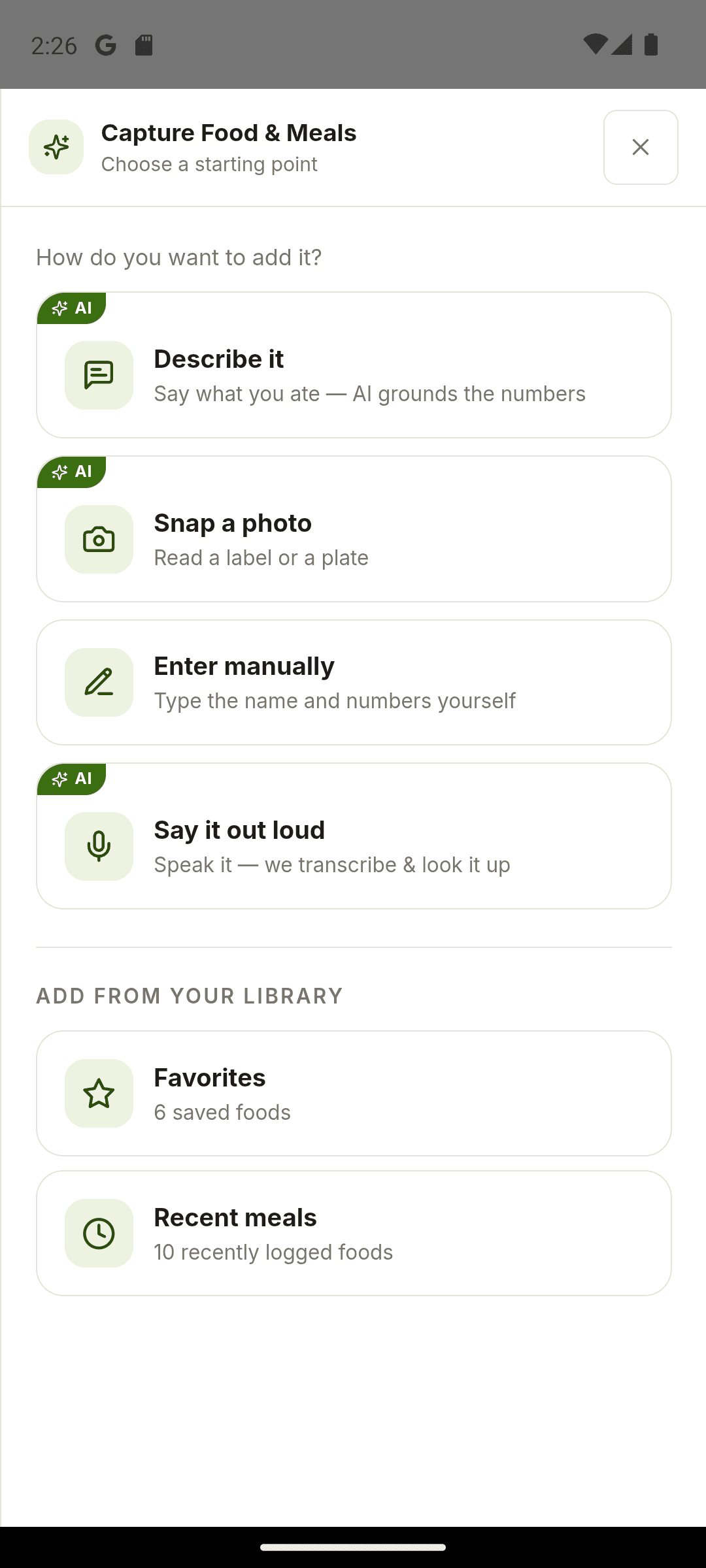
Calorie and macro targets
See daily calorie, protein, carbohydrate and fat targets. Edit macro grams yourself or ask the meal suggestion coach for ideas.
Explore calorie and macro targets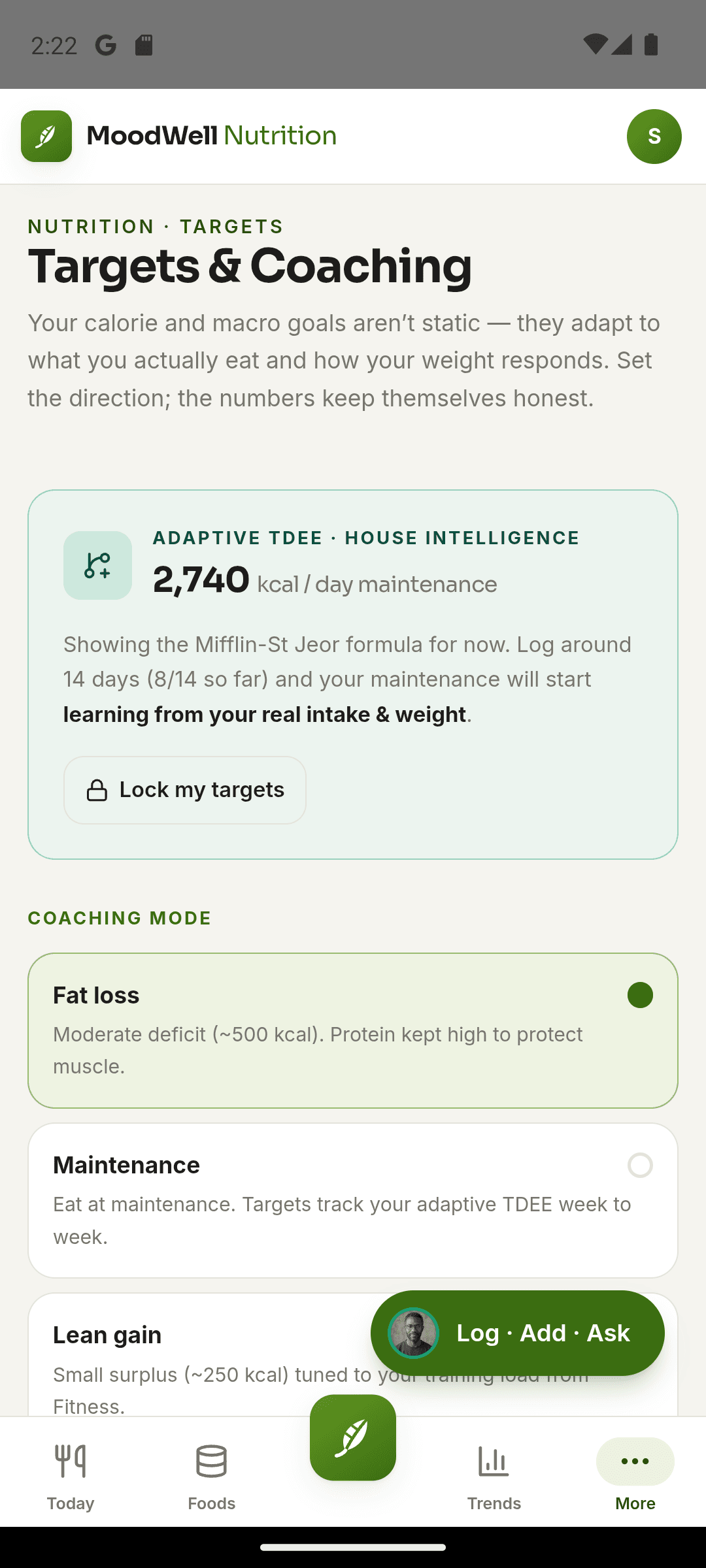
Recipes and meal planning
Combine foods into recipes or saved meals, check nutrition per serving and put meals in the weekly planner. Reuse them when you log what you eat.
Explore recipes and meal planning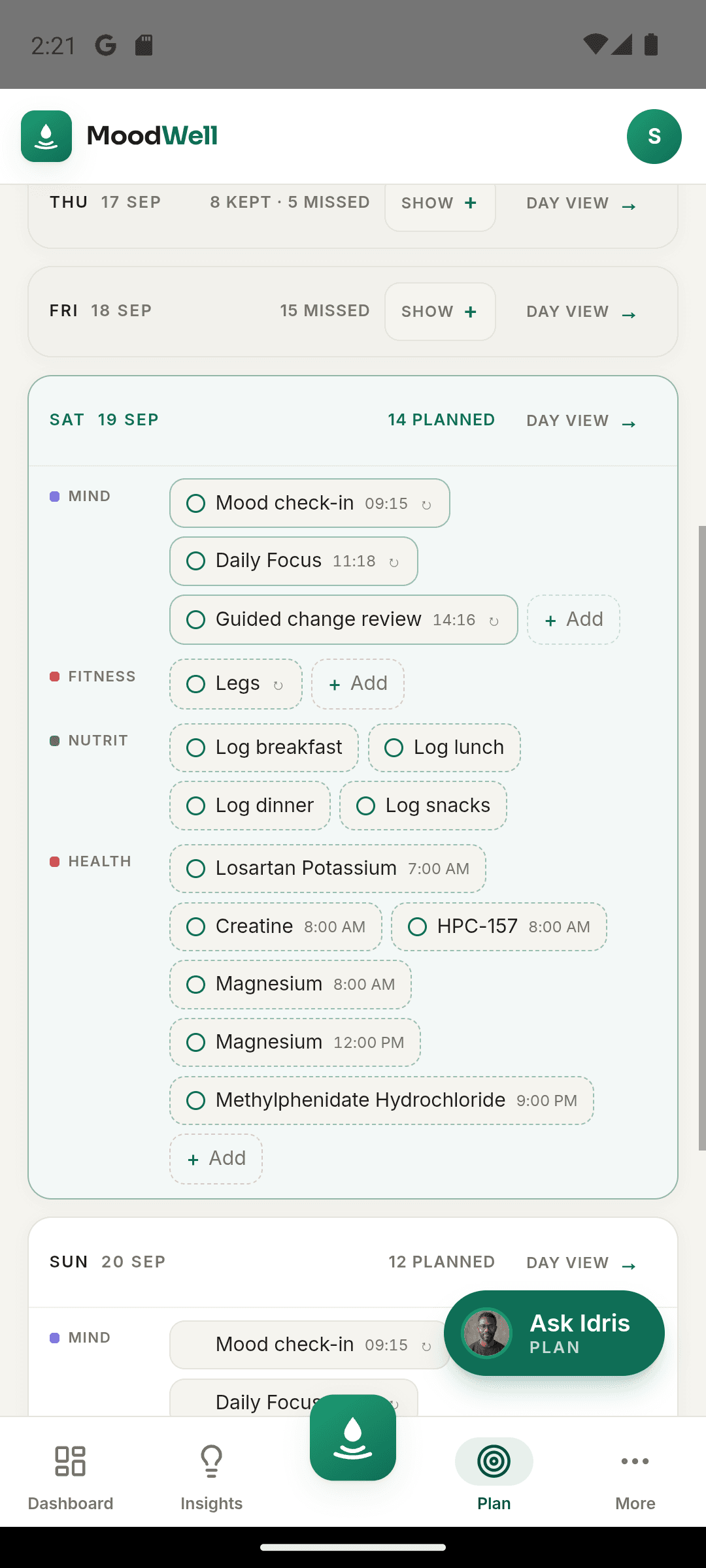
More in this layer
The details that make Nutrition useful every day
Manual entry and search
Create or find the food record you need.
Barcode scanning
Start from product data and confirm the match.
Photo, voice and description capture
Capture a meal by photo, voice or description, then review the result. These methods use AI credits.
Favorites and recent foods
Return quickly to common items.
Portions and nutrients
Review the quantities and available nutrition detail behind a log.
Hydration and coaching
Track water and use optional AI guidance inside the Nutrition layer.
A saved meal can move from your library into the week.
Plan a reusable breakfast, then confirm the foods and portions when you actually eat it. The saved log updates the day’s totals.
- Build the saved meal
- Place it in the planner
- Confirm what you ate
- Review the day’s totals
Bring nutrition into the whole picture.
Choose a mobile platform to see its current release, beta, or waitlist option.
Questions, answered
Nutrition, in everyday life.
From your first food entry to meals you repeat, understand logging options, targets, and AI credit use.
Explore all FAQsWhich food logging methods does Moodwell offer?
Use food search, manual entry, barcode scanning, photos, voice or written descriptions. Review the food match and portions before saving to your diary.
Can I edit my calorie and macro targets?
You can edit protein, carbohydrate and fat grams in Targets and save them. The calorie total updates from the macro values you choose.
Can I save recipes and plan meals?
Yes. Combine foods into recipes or saved meals, review the servings and place meals into your week. Log the food you actually eat to update daily totals.
Which Nutrition features use AI credits?
Photo, voice and description capture, along with AI meal suggestions and coaching, use credits. Manual entry and editing macro targets do not require an AI request.
Where can I use Nutrition Trends?
Nutrition Trends is available in the desktop web app and is coming later to Android. Food logging and target tracking are available on both.